
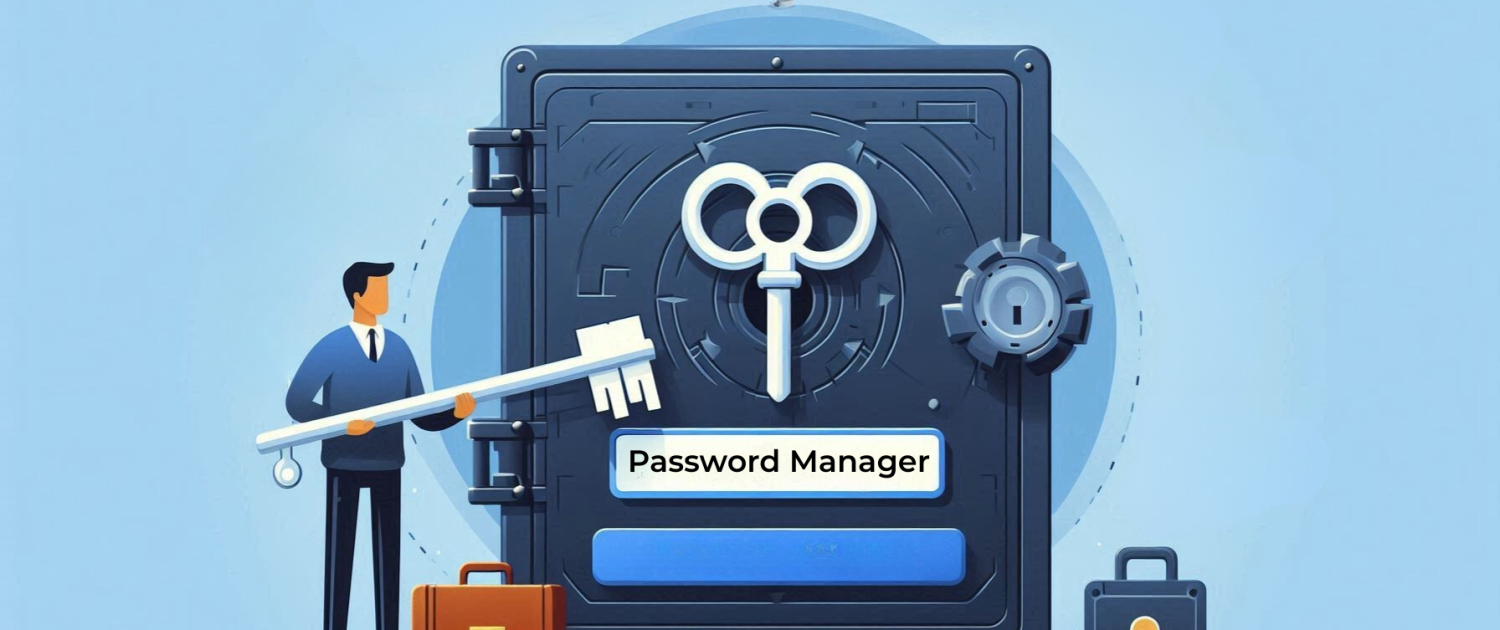
Password Managers Are Now Prime Targets
Here’s What You Should Know
Password managers have long been a go-to recommendation for securing digital identities. They eliminate the need to reuse weak passwords by generating and storing strong, unique credentials for everything from email to banking.
But as with any centralised system, they’ve become a high-value target. If a threat actor compromises your password manager, they’re not just getting one login—they’re potentially getting everything. That’s why identity security is now a core part of any serious IT strategy. If you haven’t already reviewed your setup, now’s the time to engage a trusted provider to assess your configuration and risk exposure.
Why Password Managers Are in the Crosshairs
It’s all about access. Cybercriminals want maximum reach with minimal effort. And for many of us, our password manager is the master key—holding credentials for work systems, personal accounts, financial platforms, and even crypto wallets. That’s a goldmine.
We’ve already seen major players in the space face attempted breaches. Attackers are using everything from phishing emails that mimic support teams to direct exploitation of software vulnerabilities. Even when encryption holds up, public confidence takes a hit.
The Real-World Risk
This isn’t just theoretical. If someone gets into your vault—whether through a stolen master password, weak MFA, or an unpatched flaw—the consequences can be severe. We’re talking identity theft, drained accounts, and compromised business systems.
The bigger issue? False confidence. Too many users assume that using a password manager equals being secure. That mindset leads to complacency—and that’s exactly what attackers rely on.
What You Should Be Doing
Don’t ditch your password manager. It’s still a better option than managing passwords manually. But treat it like the critical infrastructure it is:
- Use a strong, unique master password—long, random, and not based on real words.
- Enable MFA—preferably with a hardware key or authenticator app, not SMS.
- Keep it updated—patches exist for a reason.
- Stay alert to phishing—especially emails pretending to be from your password manager provider.
- Clean up your vault—remove old accounts and avoid storing ultra-sensitive data unless absolutely necessary.
If you’re managing this at scale, a structured roadmap helps. Quick wins like enforcing MFA and patching are a good start. Longer-term, look at SSO, conditional access, and privileged access controls.
Bottom Line
As our digital footprint grows, so does the value of our identity data. Password managers are still a smart move—but only if they’re configured and maintained properly. Think of them as one layer in a broader security strategy. And if you’re not sure where to start, bring in a partner who can help you build a roadmap that fits your risk profile.