
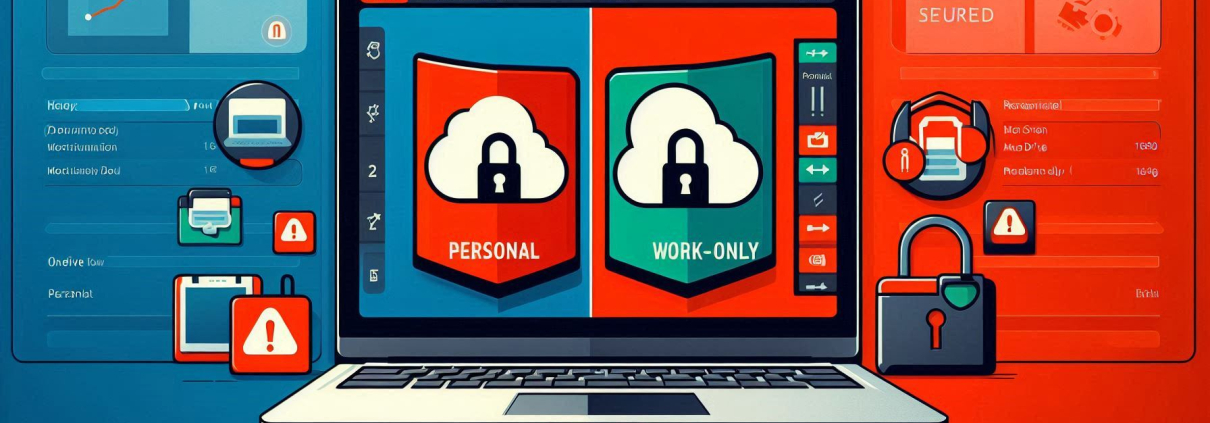
Urgent: Block Personal OneDrive Syncs Before Microsoft’s Merged Accounts Roll Out
Reading Time: 5 minutes
Microsoft is streamlining OneDrive access this month—but without Intune enforcement, employees could unknowingly sync personal files to work devices (or vice versa), creating compliance and security risks. Here’s how to lock this down in under 5 minutes.
The Risk: Uncontrolled Personal + Business OneDrive Merging
Microsoft’s upcoming UX changes will let users:
- Toggle between personal/work OneDrive in one interface.
- Sync both accounts on the same device (unless blocked).
Why It’s Dangerous
- 🚨 Data leaks: Work files saved to personal storage evade retention policies.
- 🚨 Compliance breaches: Privacy violations if sensitive data syncs to unsecured devices.
- 🚨 Data exfil or Loss: Critical docs living in personal accounts = unrecoverable if staff leave.
The Fix: Enforce Intune Policies Now
Step 1: Block Personal OneDrive Syncs
📍 Path: Intune > Devices > Configuration Profiles > Administrative Templates > OneDrive
🔧 Policy:
"Prevent users from syncing personal OneDrive accounts" → **Enabled**
✅ Effect: Users can’t add personal accounts to work devices.
Step 2: Add Backup Controls (Recommended)
- Conditional Access: Block personal OneDrive access from corporate devices.
- Audit Logs: Monitor for policy bypass attempts (e.g., manual uploads).
Next Steps
- Deploy the Intune policy today (5-minute setup).
- Train staff: “Work files ONLY in work OneDrive.”
- Audit existing devices: Hunt for pre-existing personal syncs.
Need help configuring this? ItVisions have you covered, get in touch